
Seller Guide: from sign-up to your first order
Moamen Mohammed ·
On this page
This guide takes you step by step from creating your account to receiving your first earnings on Etsawaa.
1. Create your account and set up your store
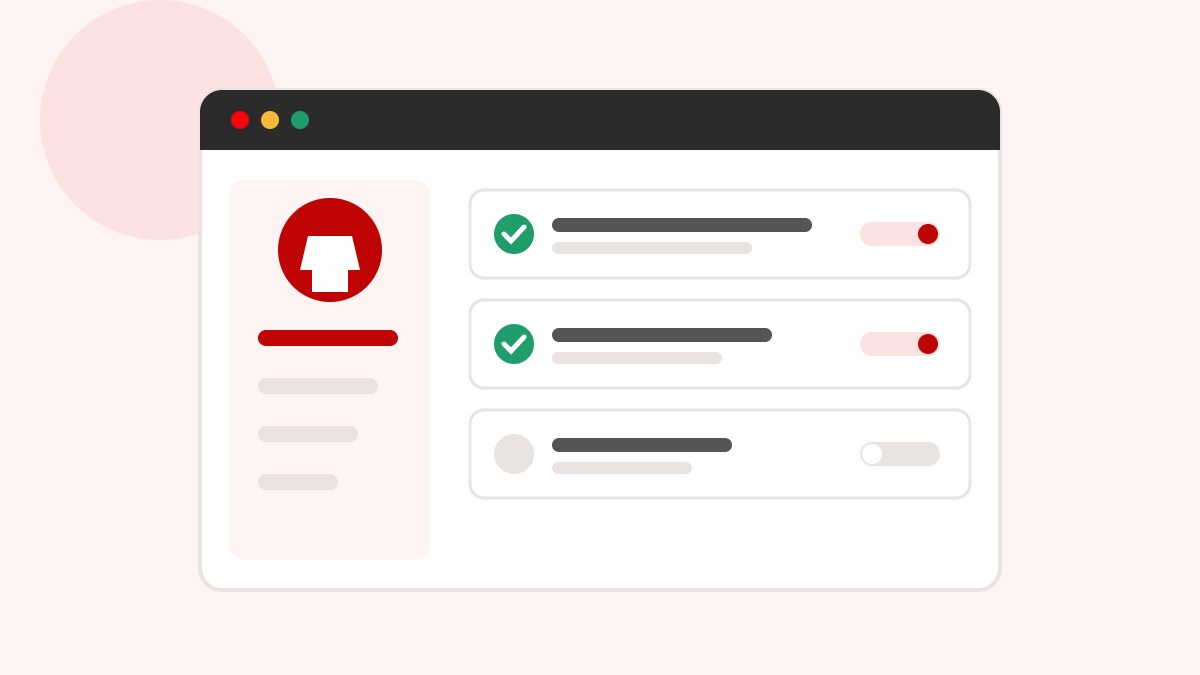
Sign up as a seller and accept the seller agreement, then complete your store details:
- Your store name in Arabic and English.
- The categories you sell in.
- The pickup address we collect your orders from.
2. Verify your store
Upload your verification documents from the dashboard. You can sell during the grace period while they are reviewed, but finish early so your store is not paused when the period ends.
3. Take professional product photos
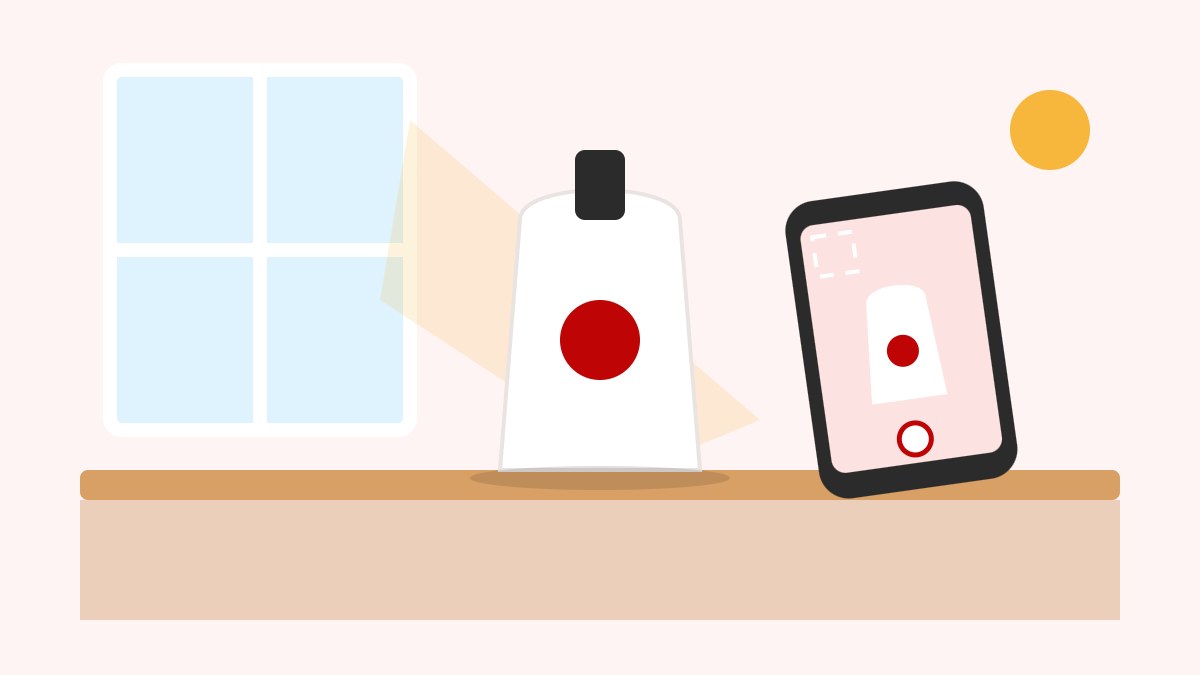
- Shoot next to a window in daylight and avoid the flash.
- Use a light, simple background.
- Add several angles and one photo that shows the size.
- Do not put text or phone numbers on your photos.
4. Write a description that sells
Use a clear product name, then describe the material, sizes, use and what is in the box. Pick the most precise category so the right buyers find it. Every product is reviewed before it goes live.
5. Pack and ship safely
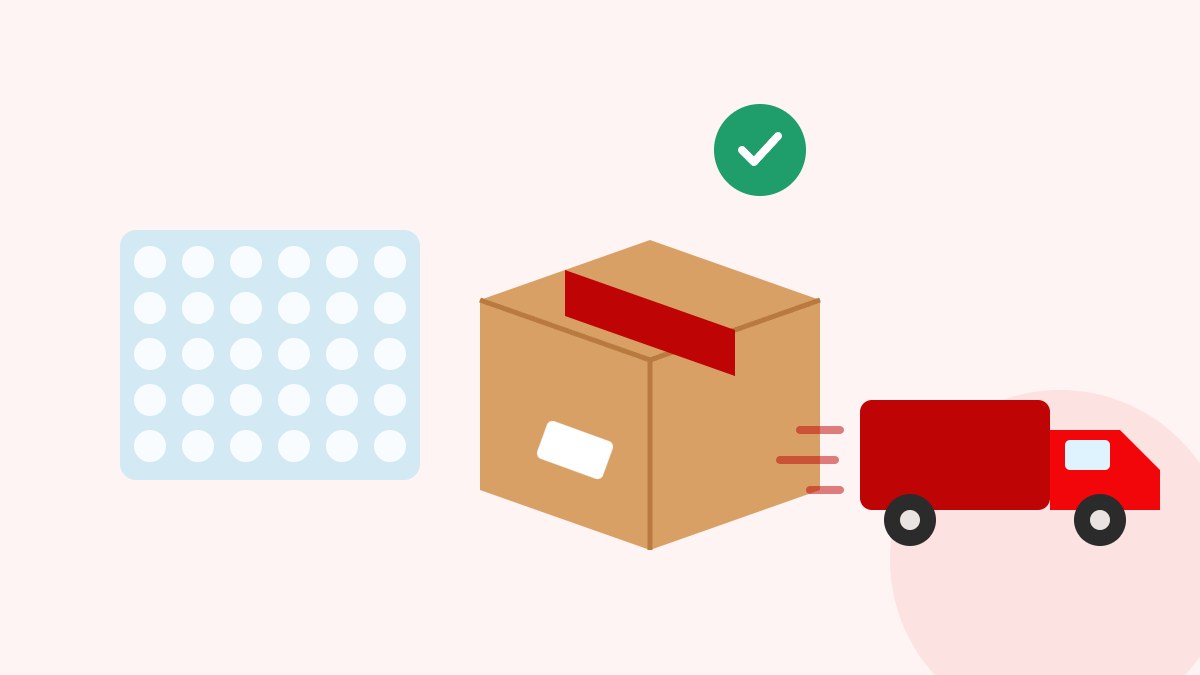
Use the envelope or box that fits the product's weight, and bubble wrap for fragile items. You can order packaging supplies from Etsawaa and pay in full or 50% upfront.
6. Follow your orders and earnings
Prepare each order as soon as it arrives. After delivery, your earnings are added to your wallet with a clear statement of commission and payouts.